
Jiss Tech insights
Website and App Security Layers: What We Test, Fix, and Monitor
An interactive, layered guide to website and app security assessments—what we inspect at the edge, client, API, data, and operational layers, plus how findings become verified fixes.
A website or app is not one security boundary. It is a chain of identity, network, client, API, data, dependency, and operational decisions. An assessment is useful when it follows that chain and explains what should change at each layer—not when it produces a pile of scanner alerts without context.
A scan finds signals. An assessment verifies which signals are real, connects them into attack paths, ranks them against business impact, and gives the team a fix-and-retest plan.
Six layers, one continuous attack surface
The diagram starts with what an attacker can discover and ends with whether your team can detect, contain, and recover. Switch between Website and App to see how the evidence changes while the assessment logic stays consistent.
Interactive security map
Follow the attack surface from public edge to recovery.
Choose a track, then select a layer to see the surface we inspect and the work we do there.
Exposure and identity
Domains, subdomains, DNS, email records, public routes, admin paths, and forgotten services.
Map ownership, confirm what belongs to the organization, and flag unintended public exposure.
What changes between websites and apps?
Website assessment
We trace the domain through DNS, TLS, CDN or WAF, browser behavior, forms, admin surfaces, sessions, APIs, hosting, database access, plugins, backups, and logs. CMS websites and custom web apps need different test cases, but both must protect the same trust boundaries.
App assessment
We add app-store distribution, signing, deep links, device permissions, local storage, embedded secrets, certificate behavior, OAuth or token flows, backend object authorization, SDKs, telemetry, and the ability to revoke or safely update a release.
What Jiss Tech does at each layer
- 01 / Exposure and identity
Find what the organization actually owns.
We inventory public entry points before judging their controls.
- Websites: domains, subdomains, DNS, email records, admin and forgotten routes.
- Apps: store listings, signing identities, deep links, public backends, and support services.
- 02 / Edge and transport
Verify how traffic reaches the system.
Encryption matters, but so do redirects, caching, filtering, and failure behavior.
- Websites: TLS, CDN, WAF, headers, origin exposure, and cache rules.
- Apps: TLS, API gateways, network security policy, and certificate handling.
- 03 / Client and application
Test the code users and attackers can reach.
We check input handling, unsafe assumptions, sensitive output, and exposed functionality.
- Websites: frontend logic, forms, uploads, CMS components, and administrator paths.
- Apps: permissions, local storage, logs, screenshots, deep links, and tamper-sensitive logic.
- 04 / API, auth, and sessions
Test what happens after a user signs in.
Authentication proves identity; authorization must still limit every action and object.
- Websites: cookies, CSRF, password recovery, roles, and API endpoint permissions.
- Apps: OAuth, token storage and refresh, logout, object access, and backend role checks.
- 05 / Data and dependencies
Follow sensitive data and inherited risk.
We map where data, secrets, and third-party trust enter and leave the system.
- Websites: databases, environment secrets, plugins, packages, webhooks, and SaaS integrations.
- Apps: cloud data, embedded keys, SDKs, analytics, push services, and offline storage.
- 06 / Operations and response
Prove the team can see and recover.
A prevention-only review is incomplete if detection, ownership, or recovery is missing.
- Websites: hosting access, patching, logs, backups, restore tests, and incident contacts.
- Apps: release controls, telemetry, key rotation, token revocation, backend recovery, and updates.
Try one visible edge control now
Security headers cannot prove that a site is secure, but they are a fast, useful check at the edge-and-browser layer. Run a public site you own below; then use the layer map to see what the result does—and does not—cover.
How an assessment moves from evidence to fixes
- 01Scope authorized targets
- 02Discover the attack surface
- 03Verify findings safely
- 04Rank and remediate
- 05Re-test the controls
Before active testing, we agree on targets, accounts, test windows, rate limits, excluded actions, data handling, and escalation contacts. Production testing stays non-destructive; checks that could alter data or availability move to staging or require explicit approval.
What the team receives
- An executive summary that connects technical risk to business impact.
- A scoped asset and architecture map for the website, app, APIs, and dependencies in review.
- Reproducible findings with severity, evidence, affected layer, and practical remediation.
- A prioritized 30-day action plan separating immediate risk reduction from longer modernization work.
- A re-test record showing what was fixed, what remains open, and any residual risk.
See the sanitized assessment report
This searchable eight-page PDF shows the report structure, layer map, prioritized findings, remediation roadmap, and re-test record. Every organization, target, date, identifier, and evidence item is generic.
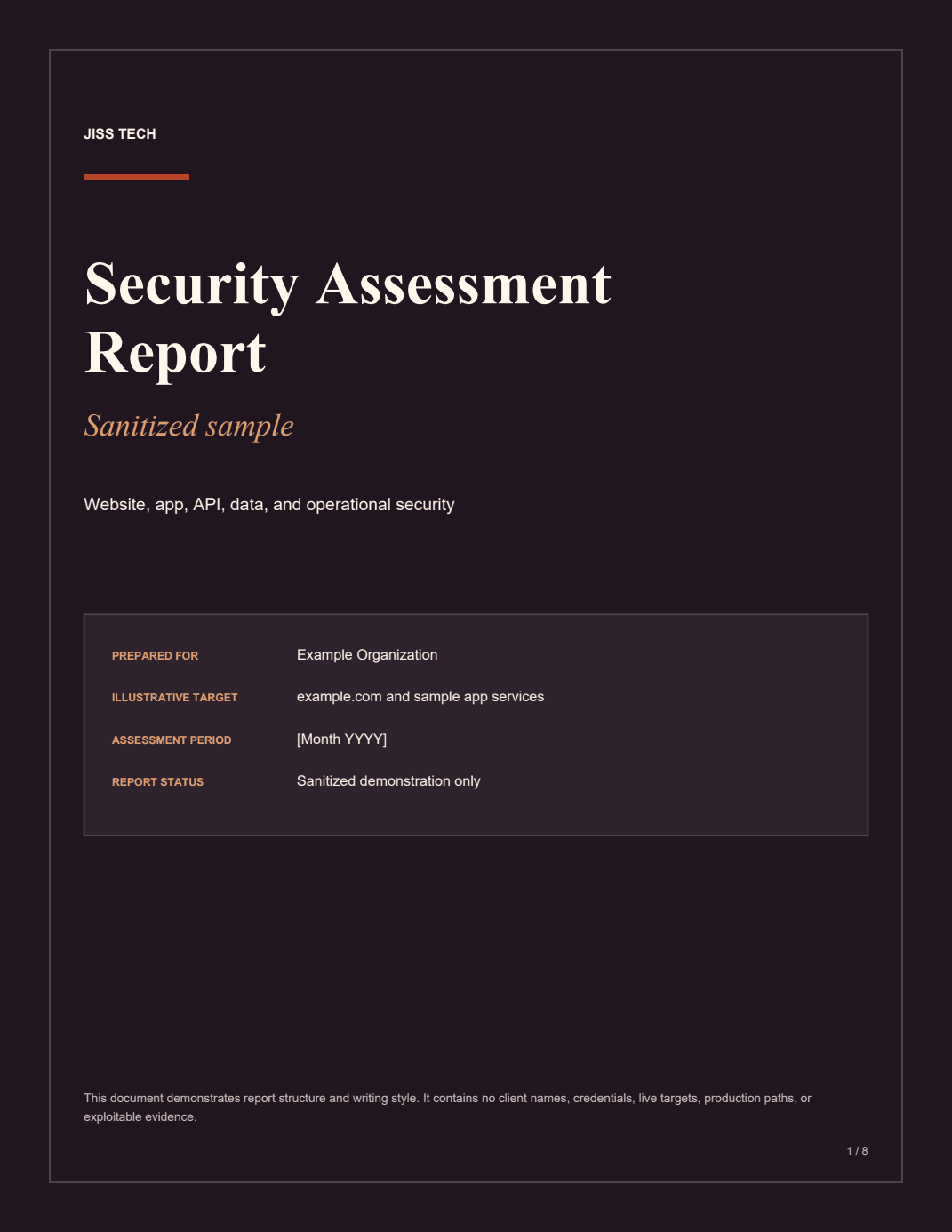
The surrounding article summarizes the report for search engines and assistive technology; this in-article preview mirrors the downloadable, searchable PDF.
Where to go next
For a service overview, read how we approach a broader cybersecurity analysis. If aging frameworks or unsupported systems are the root problem, the answer may be a controlled software modernization plan rather than another patch. If an incident is already underway, start with the first 72 hours after a breach.
Frequently asked questions
Is a security-header scan the same as a security assessment?
No. Headers are one useful browser-facing control. A complete assessment also reviews identity, application behavior, authorization, APIs, data flows, dependencies, hosting, monitoring, backups, and recovery readiness.
Do website and mobile app assessments test the same things?
They share the same security layers, but the evidence changes. Website work emphasizes DNS, browsers, CMS or framework behavior, forms, cookies, and hosting. App work adds device storage, permissions, signing, deep links, token handling, SDKs, and release controls.
Will an assessment take down production?
It should not. We define authorized targets, test windows, rate limits, excluded actions, and escalation contacts before active testing. Higher-risk checks move to staging or require explicit approval.
What happens after findings are delivered?
Findings are ranked by business impact and exploitability, translated into a remediation plan, and re-tested after fixes. The goal is verified risk reduction, not a long list of scanner output.
Take the next step
Map the security layers around your system
Tell us whether you are protecting a website, web app, mobile app, or connected platform. We will help define a safe scope and the most useful first assessment.